
Free POS: What's Actually Free and What Still Costs
Free software is real. Free card processing and free hardware are not. Here is where the line sits.
Written with AI help and fact-checked. Figures as of November 2026; prices and rules change, so check before you decide.
In a free POS, "free" almost always means the software and nothing else. The device you sell on, a card terminal, a receipt printer and the fee on every card sale still cost money, and your sales tax and record-keeping duties are the same as with any paid system. A free POS is worth it when the software is the bill you'd otherwise pay every month, and when its conditions are spelled out up front.
Three kinds of "free POS"
The word covers three very different deals. Know which one you're looking at:
- A free trial. Free for a set number of days, then you pay. Check whether it asks for a card up front and what happens on the last day.
- Free if you process cards with them. The software costs nothing as long as your card payments run through the same company. The company earns on every card sale, so the number to compare is the processing rate, not the software price.
- A permanent free plan. No end date, but with limits: sales per month, users, locations or features. The question is what happens when you reach one.
Federal guidance on "free" offers says the conditions of a free offer should be stated clearly, right next to the offer, at the outset. Use that as your test. If you have to dig through the terms to find the limits, ask before you sign up.
What a permanent free plan can include
As a worked example, here is what FreePOS USA, VoVi's free plan for US businesses, includes at $0 a month:
- 300 sales a month and unlimited products
- Checkout, refunds and the cash drawer
- A sales report, one day at a time
- An AI assistant inside the POS
- Offline mode, so you keep selling when the internet drops
- One location and one user
- No end date, and no card to sign up
It runs in the browser on a computer or tablet you already have.
What still costs money with free software
The device
A computer or tablet with a browser. If you already own one, this line is zero. If you don't, it's the first real cost of a free POS.
Card processing
Every card sale carries a fee. Part of it is interchange, a fee the card networks set that passes from the merchant's bank to the bank that issued the card. Your processor adds its own charges on top. Free software doesn't touch this line. On FreePOS USA you keep your current processor, so your rate stays between you and them.
To see what you pay now, take last month's processing statement and divide the total fees by your total card sales. That's your effective rate. In a shop that takes mostly cards, it's often a bigger monthly number than any software fee.
The card terminal
If you take cards, you need a terminal, bought or leased through your processor. A lease can outlast the plan it was signed for, so read the term and the cancellation clause before you sign. A free POS that works beside the terminal you already have saves you that decision.
Printer, cash drawer and scanner
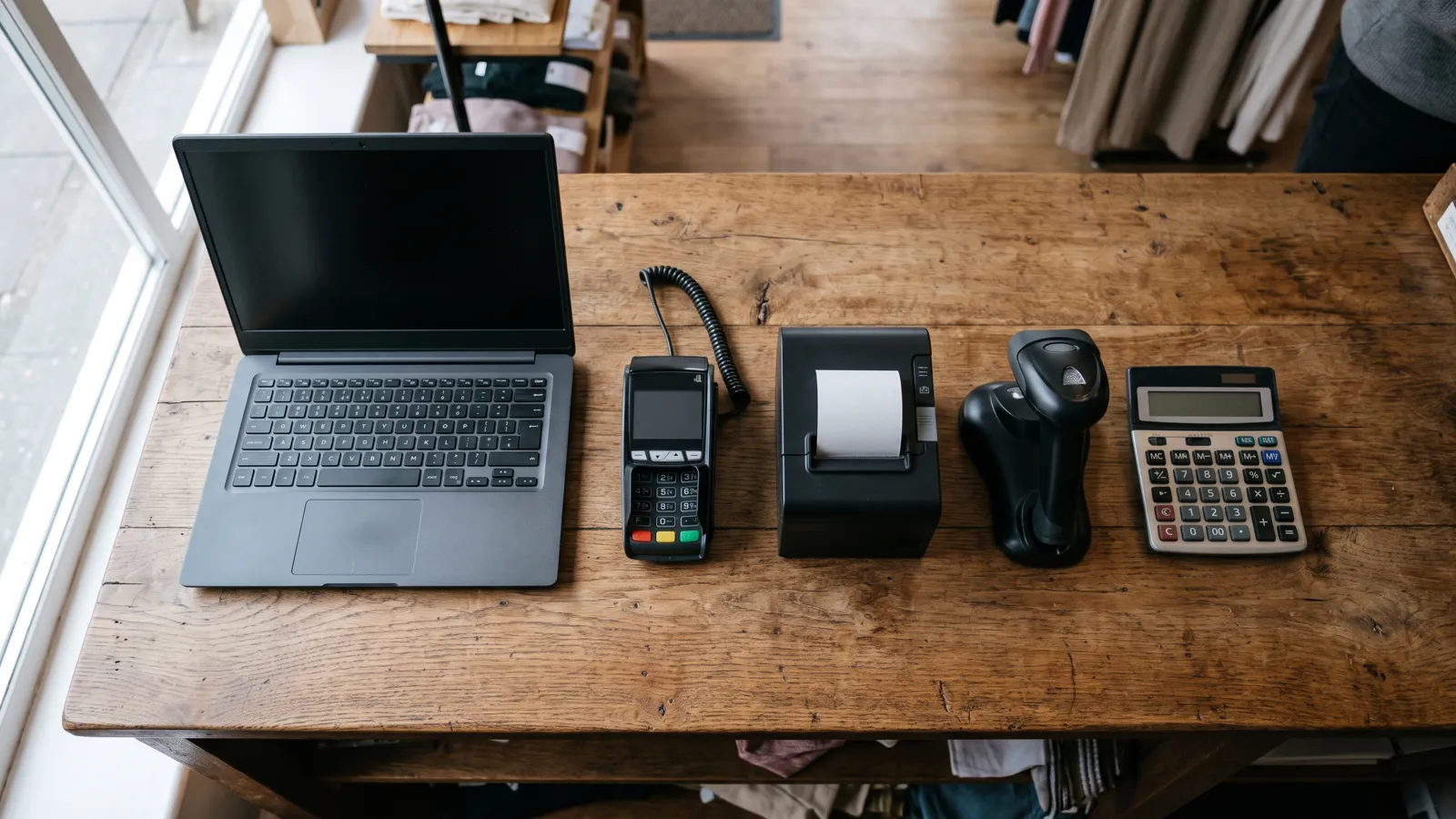
All optional. A receipt printer, a cash drawer and a barcode scanner speed up a busy counter, but you don't need any of them for your first sale. Check what you already own first: our equipment guide covers what to keep and what not to buy.
Your time
Typing in products, learning the screens, counting the drawer at night. Free software still asks for an afternoon of setup and a few minutes a day.
What free software doesn't change
Paying nothing for the software leaves your obligations where they were:
- Sales tax. You collect it and pay it under your state's rules, which can also vary by county and city. Your state revenue department is the authority.
- Card income reporting. Card companies and payment apps report payments they process for you to the IRS on Form 1099-K, whatever POS you use.
- Records. The IRS expects you to keep documents that show the amount and source of your sales. Your POS reports are part of that record, so make sure you can download your data.
Where the limits bite
On a permanent free plan, the limits are the price. Here is how they work on FreePOS USA:
- 300 sales a month. Refunds don't count as extra sales. Go over 300 in one month and you get a notice, nothing more. A second month in a row over 300 pauses the register from the 1st of the next month until you upgrade.
- One user. Everyone who sells signs in as you, so the POS can't tell who sold what.
- One location. A second shop needs a paid plan.
- Reports one day at a time. Paid plans show longer date ranges.
If the same limit stops you twice in a month, read when to upgrade from a free POS. Paid plans are VoVi Light at $25 and VoVi Pro at $39 per location per month before tax, with a 14-day free trial and no card. It's the same account, so your products and sales history stay. Compare them on VoVi's pricing page.
You may also see "Pro for $0 when you take payments with VoVi." That's coming soon, not available today.
Five questions to ask before you start
- Is it free with no end date, or for a set period?
- What are the limits: sales per month, users, locations, products?
- What happens when I pass a limit? Does selling stop, and from when?
- Do I have to process cards with you? At what rate?
- Can I upgrade in the same account and keep my products and sales? Can I download my data?
If a provider can answer all five on one page, you know what "free" means before you type in a single product.
Frequently asked questions
Is a free POS really free?
The software can be. Free plans with no end date exist, usually with limits on sales, users or locations. Hardware, card processing and your setup time still cost money.
Is hardware free with a free POS?
Usually not. FreePOS USA covers the software only. Use a computer or tablet you already have; a printer, cash drawer and scanner are optional.
Do I have to switch card processors for a free POS?
Not for FreePOS USA. Keep your terminal, charge the card there and record the sale in the POS. Some free offers do require their own processing, so ask.
What happens if I go over 300 sales in a month?
The first month over 300 brings a notice only. Two months in a row over 300 pause the register from the 1st of the next month until you upgrade.
What is the catch with a free POS?
Usually limits or required card processing. Ask what happens at each limit and what the processing rate is, then decide.